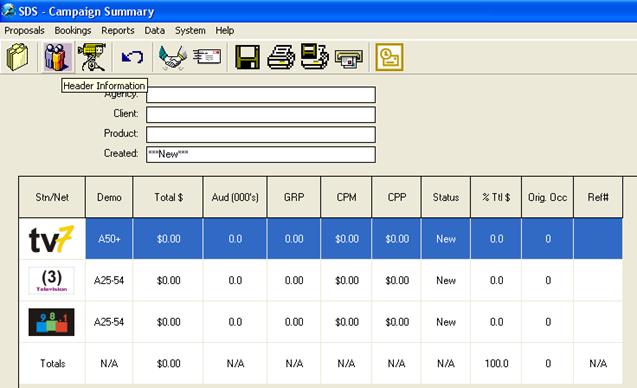
If adding an Account Executive, please return to the Campaign Summary Menu and click on the Header Information button.
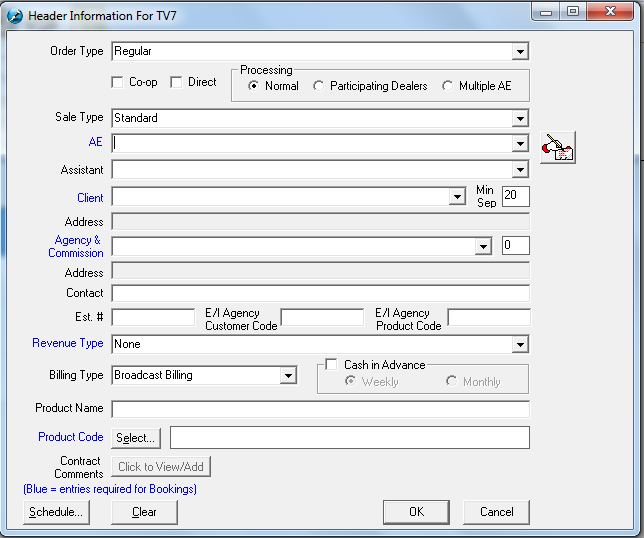
Go to the AE (Account Executive) field and an “Add, Edit or Delete” button will appear on the right side of the drop down menu. Click on this button.

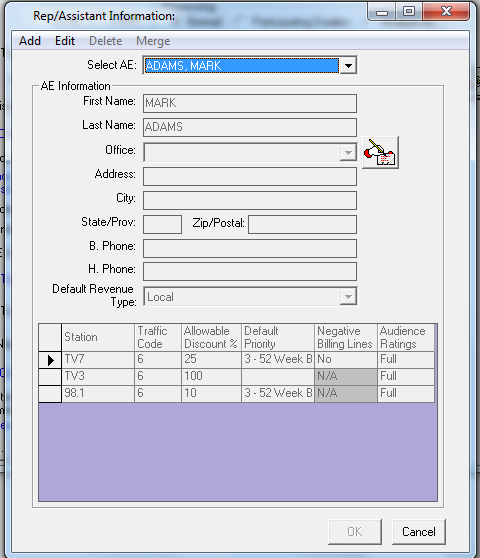
From this window, you will be able to Add, Edit or Delete the AE names. To add, simply click on the Add button and fill in the appropriate fields in Rep Information. To edit a particular Account Executive, select the name from the drop down menu and click the Edit button and make the necessary changes. The option to set the allowable discount and the default priority (priority levels are 1-9) is available on an AE by AE basis. If the AE is given access to change the audience and ratings information, ensure that the “Audience Ratings” column is set to “Full.”
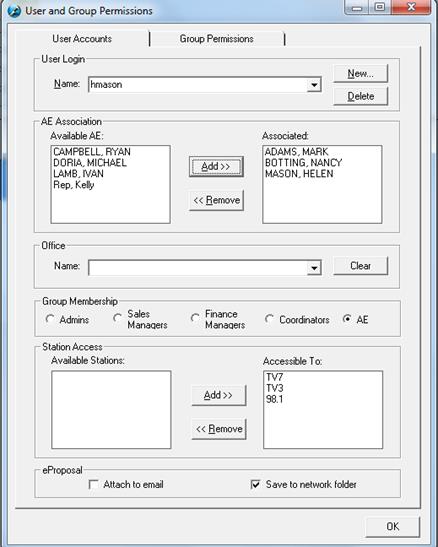
Go back to the System – Security and select the User Name, which is to be linked or defaulted to the desired Account Executive name. Assign the appropriate Group Membership and now the User will default to the AE Name when using the system.