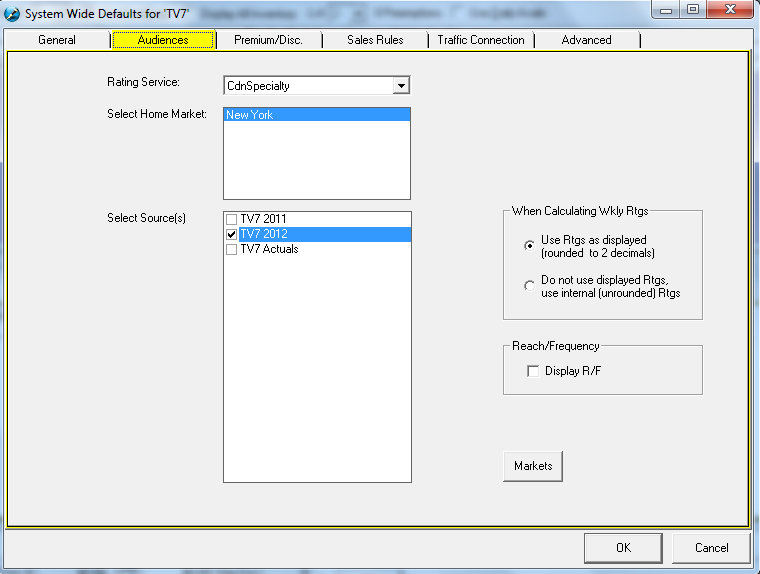
Rating Service – this defaults to the type of rating service that was used when importing the audience template
Select Home Market – this will determine what the ratings/audience are based on
Select Source – choose the default rate card that will appear when building a proposal
There are two different options to select when calculating the weekly ratings
Use Ratings as displayed (rounded to 2 decimals) – will display ratings with two decimal points (for example 0.34)
Do not use displayed Ratings, use internal (unrounded) Ratings – will display the exact rating/audience that was entered into Commercial Inventory Control (for example, if it’s entered as 1.9, it will display as such and not round to 2.0)
Reach/Frequency – check mark the box to display the Reach and Frequency and calculate it based on the rate card selected.
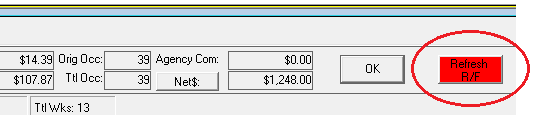
If using a PPM Numeris Survey this will also enable a Refresh button for R/F. When a change is made to the schedule the refresh button can be used to refresh R/F information.