There is an option within Sales to automatically build an avails report for your programs/features. First click on the Flight Manager and create the flight for your campaign.
Next, within the Schedule Builder, click on Auto Build and select General Avails
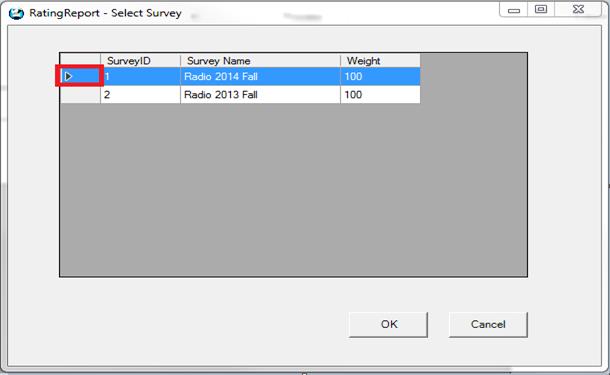
The following screen will appear. There are 4 options to select from.
Minimum Avails Required for Inclusion – This will include all programs that have at least 1 spot available
Maximum Avails to Display – This will include programs that have up to 999 spots available
Note in Order Comments – This will include the note “General Avails” on the report
Avails Display – This indicates that the avail report will show either the value of the avails, or stars (asterisks)

A couple of notes regarding General Avails:
•The Revenue type at the line level will default to the AE’s default if the AE is chosen in the Header
•If the Header is not yet filled out, and the avails get built, the revenue type at the line level will be the system default (what the default is in Traffic)
•Inside schedule builder, the avails will be calculated based on what is chosen as the default at the top for spot length and priority (so, ensure that it’s correct before you use the Auto Build feature). The spot type will be based on what the system wide default is set to.