
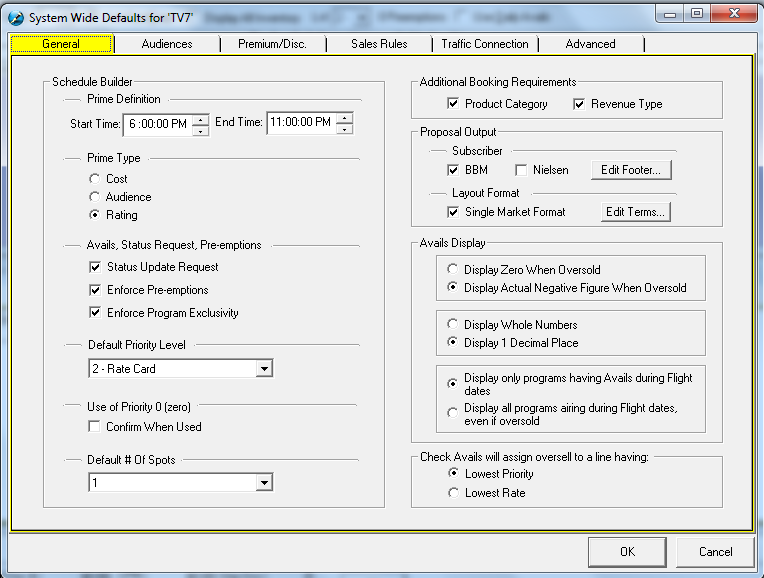
Under the General Tab, there is a drop down menu for Default Priority Level settings. Priority Level is used to help control inventory, with 1 being the highest and 9 being the lowest. When the SDS Sales system is linked to the SDS Traffic system, higher priority spots will bump out lower priority spots when there are no more avails.
Set the default priority level, which Sales should use in general.