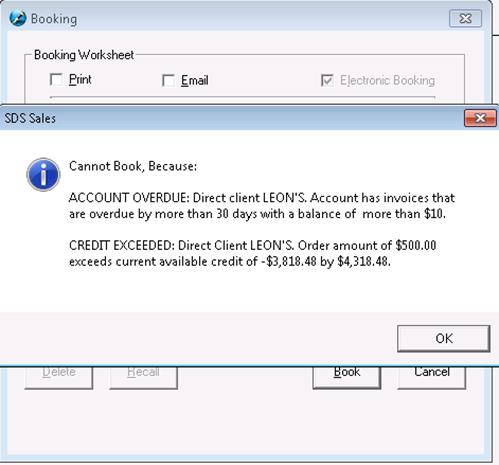
Users should not use the delete feature if the Proposal has been declined by the advertiser/agency (See Declining A Proposal).
Select/Highlight the Pending Proposal or Booked Contract that you would like to delete and click the Delete button. Click on Yes to delete the proposal/contract, or No/Cancel to return to the Proposal File screen

If all lines of the contract have been deleted within the Schedule Builder, you cannot save or book the order –the following message will appear:
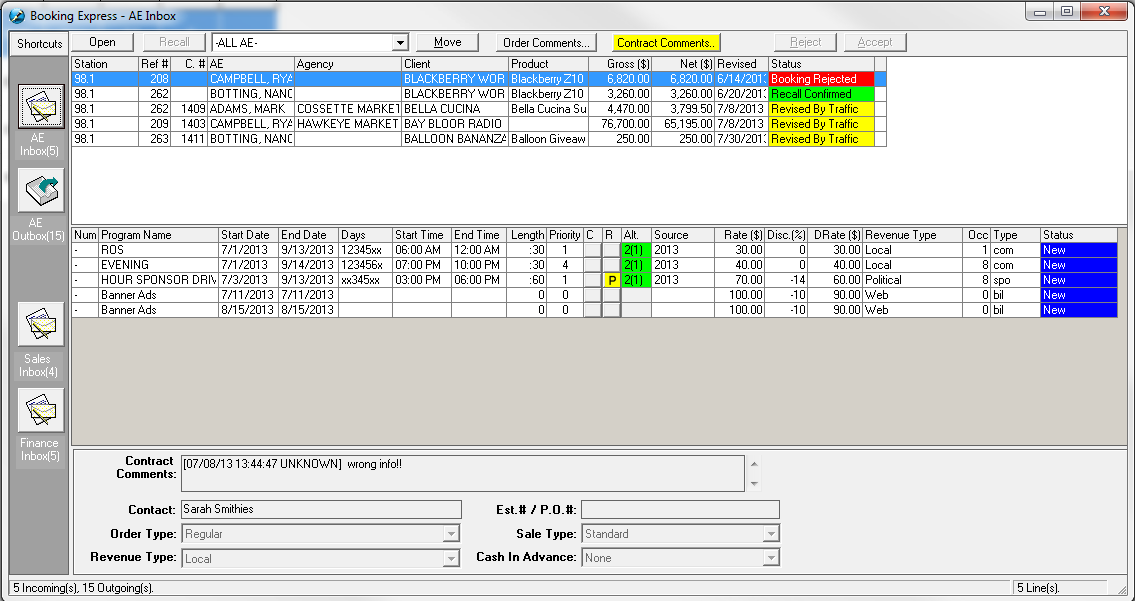
To delete the order, follow the above instructions on Deleting a Proposal.