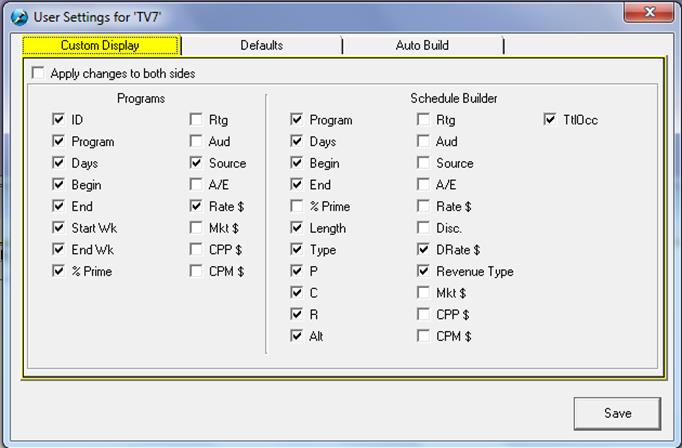
Setting Preferences
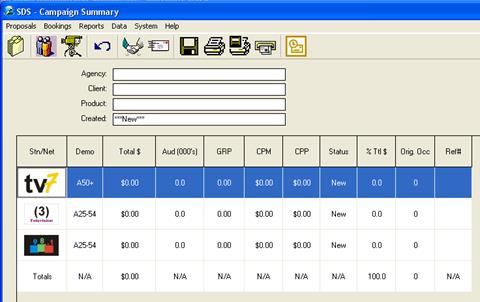
Double click on the network logo in the Campaign Summary window, or click on the Camera icon:
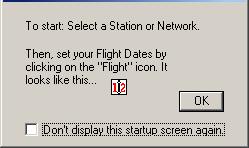
The system will open up in the Schedule Builder Screen. Click OK to welcome screen. (Put a check mark in the box if you do not want to see the Welcome Screen in the future)
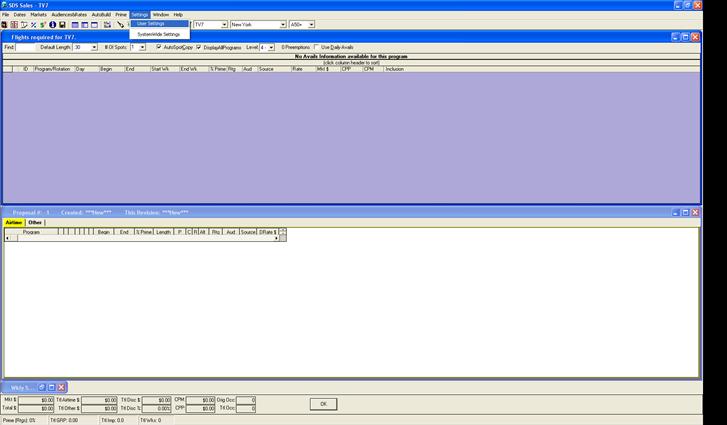
Go to Settings, select User Settings:
Remove one of the check marks and click OK (The user can reset the settings later on).