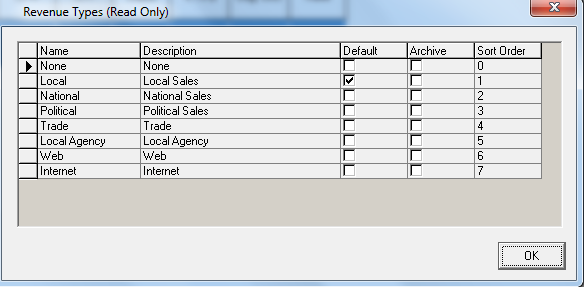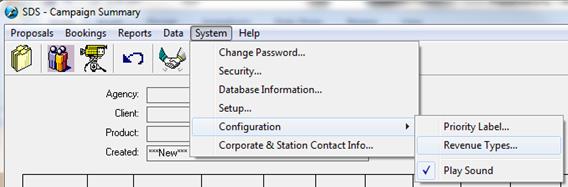
If selected, Sales Users will be required to select a Revenue Type before being allowed to book in the system. Revenue Types are defined in SDS Traffic System (if you are Syphony), SDS Sales Users may view the definition by going to Revenue Type under the Configuration in the System Menu from Campaign Summary window. If you are standalone Sales, the Revenue Types can be added/edited through this same screen.
For Symphony clients - From the Revenue Type window, users will be able to see the definitions set by Traffic. A default will be designated by Traffic for Sales users. When a change is required, Sales Users will have the ability to select a different Revenue Type.