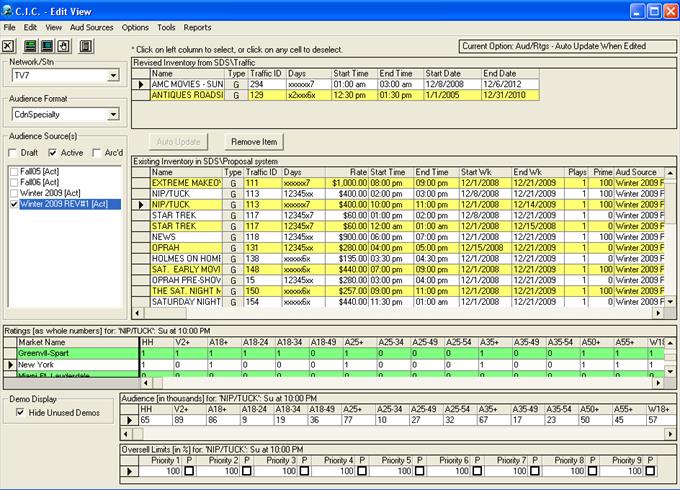
The Edit View screen appears, as below:
The Edit View allows for editing inventory items that have already been assigned to an audience table.
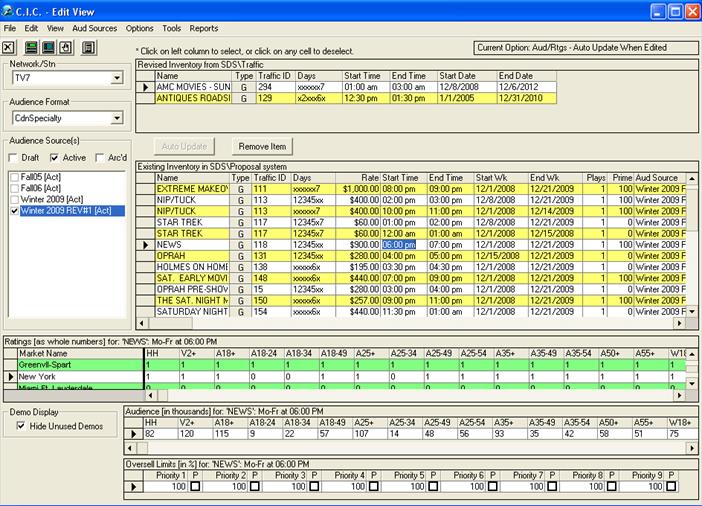
To begin, simply click on the cell which you want to edit, and make the desired changes. The date must be entered in as either dd/mm/yyyy or mm/dd/yyyy, depending upon your Regional Settings within your computer. Note that there is no copy/paste function within this module.
*For Symphony users - Please note that if you are making changes to the days on air, the start/end dates, or start/end times, these must match what is in Traffic, otherwise there will be
errors when the orders are processed through to the system.
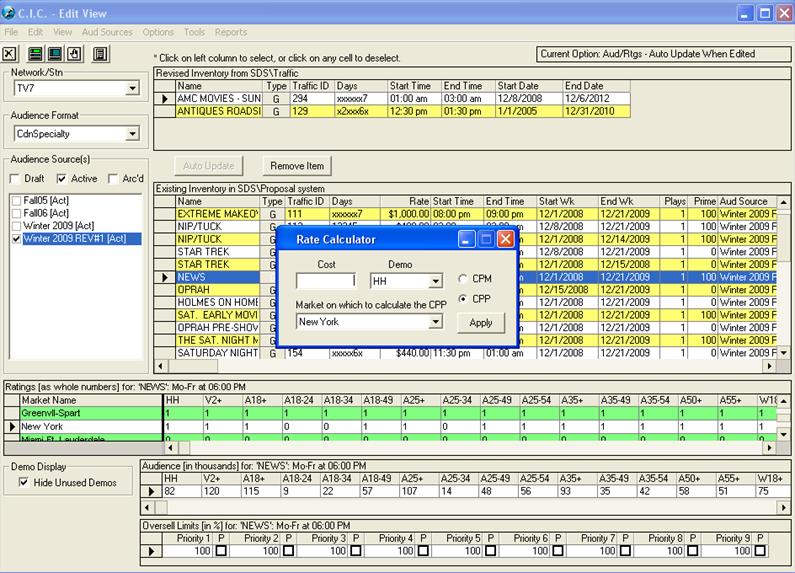
You may wish to use the Rate Calculator, as pictured below, to help you calculate the appropriate rates for an inventory item (based on the existing CPM or CPP). This can be found in the Tools menu
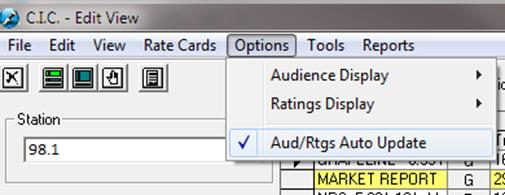
Aud/Rtgs Auto Update
When changing the Audience the system will automatically change each market accordingly.

To disable this option, uncheck Aud/Rtgs Auto Update under Options.