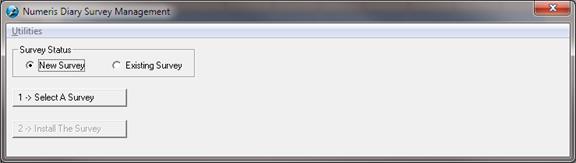
To import a new survey, press the Select a Survey button.
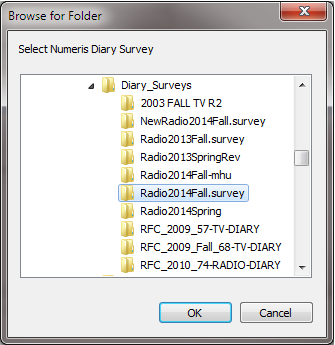
Browse and select the folder containing the new files from Numeris. Press OK.
Note: Contact Numeris if you do not have these files already.
Once a survey is selected, click Install The Survey
When the survey has loaded successfully, the following message will appear.
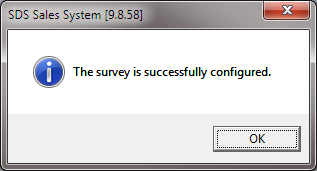
Once this message appears, the survey needs to be applied to a rate card in Commercial Inventory Control.
To apply the Survey please see Apply New Numeris Survey
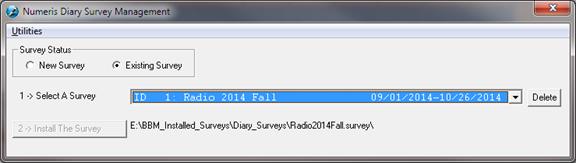
To view existing surveys, select the Existing Survey option. Use the dropdown to select a survey.
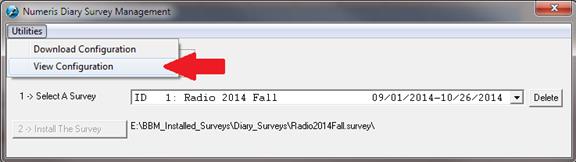
Detailed configuration can be seen through the Utilities menu option.