Prior to importing any audience tables (Rate Cards) into the SDS Sales system, certain network settings need to be defined. Without the settings being configured properly first, the imported data may not be correct.
Note: Depending on the number of networks, these settings need to be defined for each network.
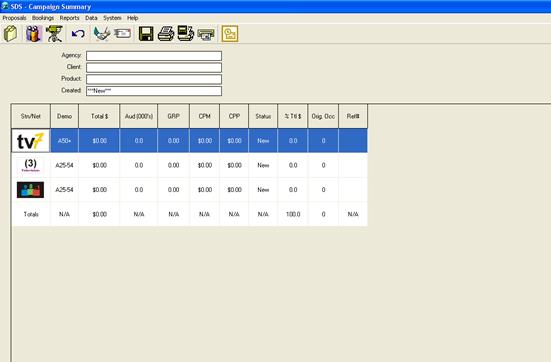
To access the System-Wide Settings window, double click on the desired Network from the Campaign Summary window.
This is referred to as the “Schedule Builder”
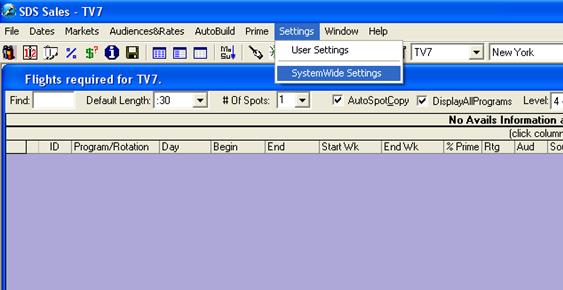
Go to the Settings Menu and select SystemWideSettings