Once the Audience Tables have been imported, it is important to have proper management. This section will describe how to edit, organize and maintain audience tables.
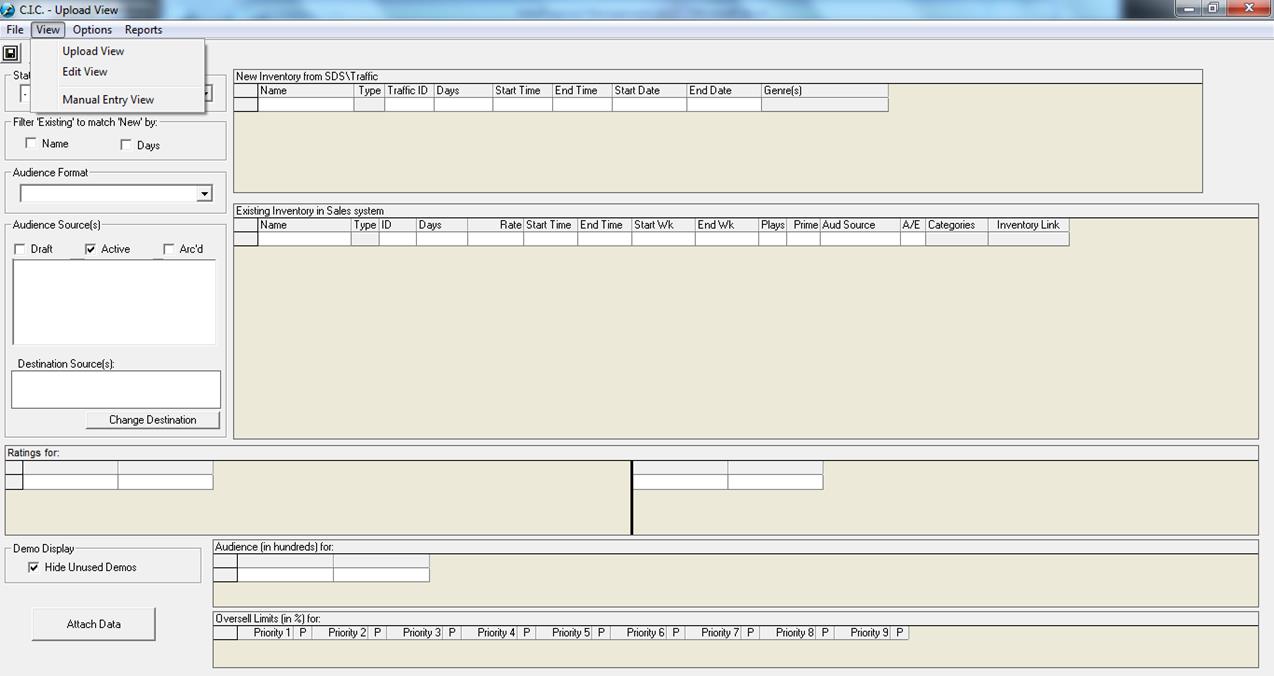
This is how the screen appears upon first entry into Commercial Inventory Control, via Data/Commercial Inventory Control:
The first thing you need to select is your view:
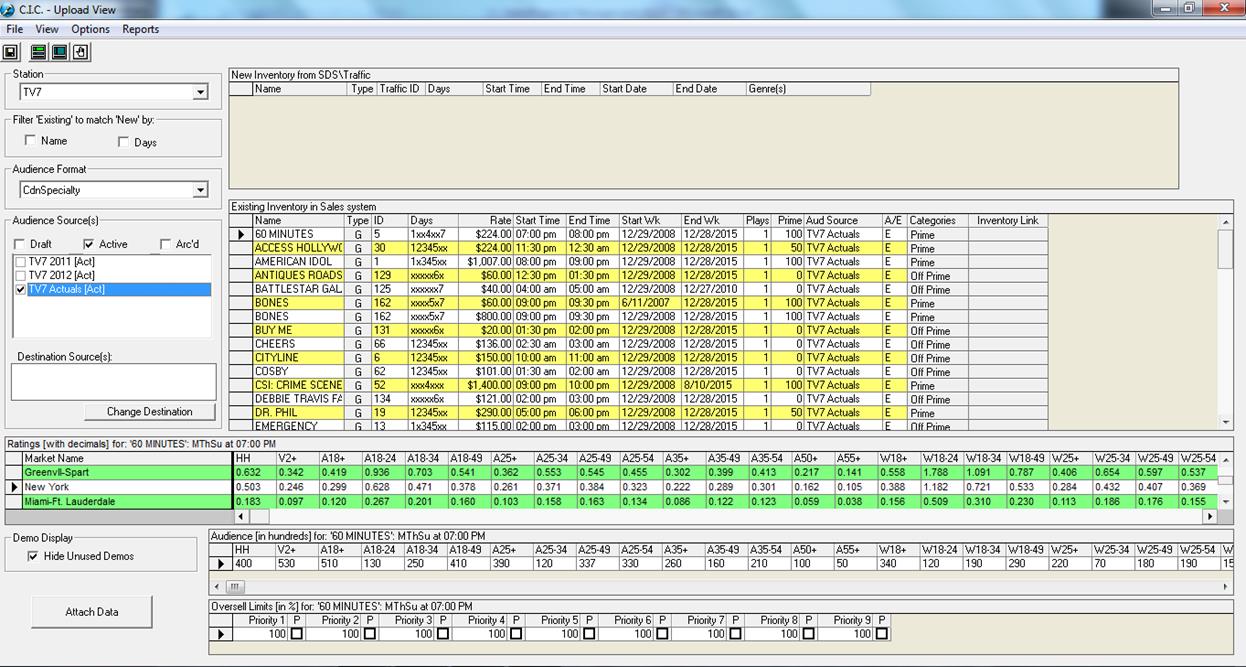
The Upload View is for attaching New Inventory items that have been sent from Traffic to the existing audience source.
The Edit View is for editing Existing Inventory that is currently included within an audience source.
The Manual Entry View is for adding New Inventory items directly into an audience source.